Your IP:Loading...
Status:
Unprotected
Ideal VPN for Multiple Devices in 2025
- One subscription covers all your devices.
- EnsoVPN keeps all your traffic safe and worry-free.
- Supports iOS, Mac, Android, and Android TV.
7-day / 30-day refund (first purchase)

Supported Devices
iOS
macOS
Android
Android TV
Why EnsoVPN is the Ideal VPN for Multiple Devices?
iPhone, Mac, Android phone, tablet, and Android TV—you can ensure their safety.
iPhone, iPad & Mac VPN
- Work, stream, and enjoy higher privacy and security on your Apple devices. EnsoVPN provides native apps for iOS, iPadOS, and macOS.
- Supported: iPhone, iPad, Mac
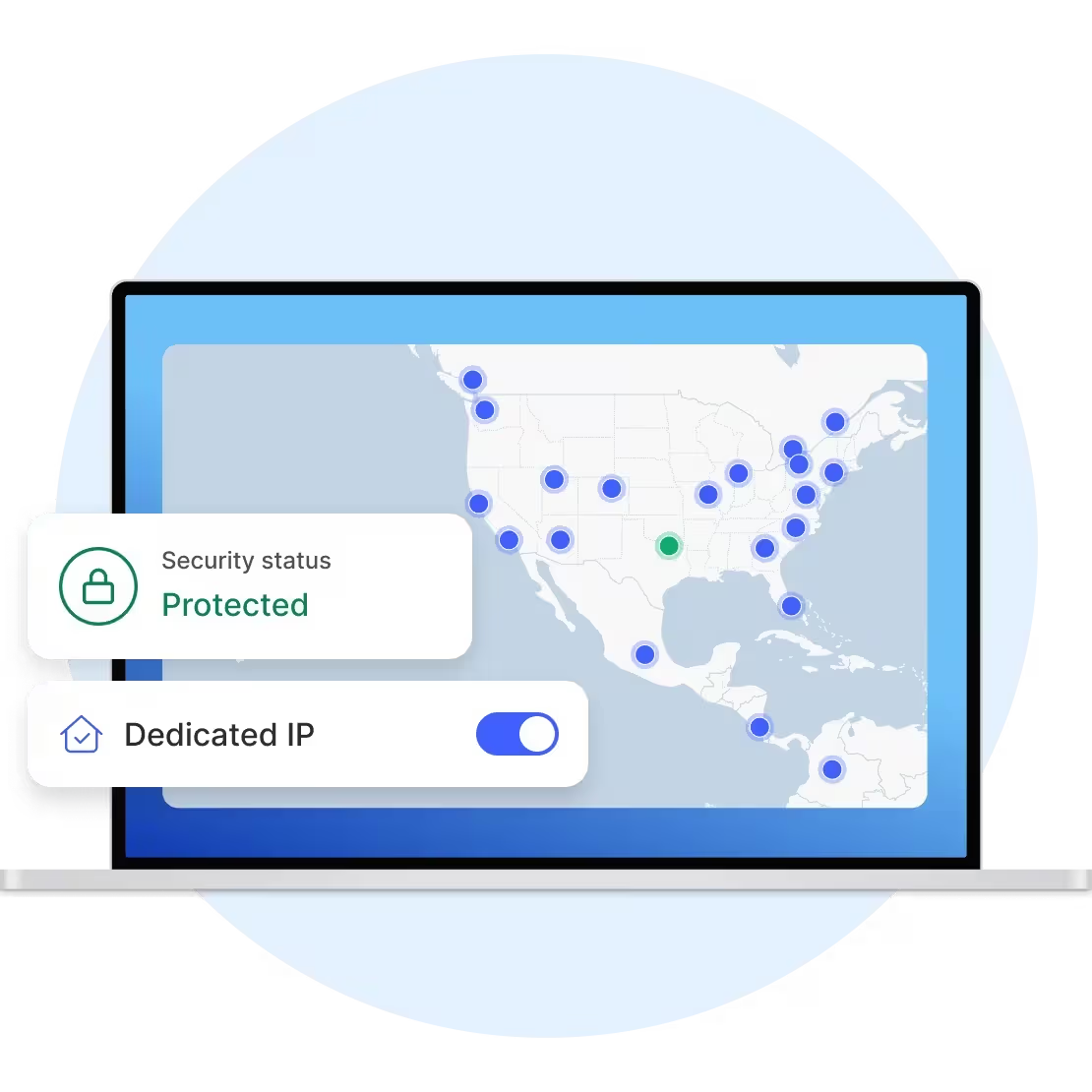
Android Phone & Tablet VPN
- Protect your privacy and security anytime, anywhere. Get VPN for your Android device to ensure safe browsing in any network environment (including free public Wi-Fi).
- Supported: Android phones and tablets

Android TV VPN
- Get a VPN app for your Android TV to protect your privacy while enjoying movie night.
- Supported: Android TV, Amazon Fire TV Stick

Why You Need VPN on Multiple Devices?
Use EnsoVPN on more devices without paying extra. Why not try it?
Protect Your Work and Life Simultaneously
- While improving family digital security is important, what about your phone or laptop for work? Considering risks like hacking, corporate espionage, and data leaks. With EnsoVPN, home network security and work network security are no longer at odds. Simply use your existing device quota to protect both your business and personal tools.

Hide Your Security Vulnerabilities
- We live in a world of many devices, making it difficult to find someone who only uses one device. However, every device that can be connected to the internet is vulnerable to hackers and snoopers. Using VPN on your computer but neglecting your phone's protection is like leaving a sign on your door that says, "Welcome to Steal My Stuff."

Get EnsoVPN with Multiple Device Support
- Use one EnsoVPN account to connect multiple devices! This means 5 devices can be connected at the same time.
Frequently Asked Questions
Frequently asked questions, providing you with detailed product information and usage guidance
1
Do I need to buy a VPN for each device?2
Do I need to connect all devices to the same VPN server?3
Can I use EnsoVPN on both my iPhone and Android phone?4
Does EnsoVPN have a family plan?5
How can I see which devices are connected to EnsoVPN?6
Is there a free VPN that can be used on multiple devices?Still have questions?Contact Support